

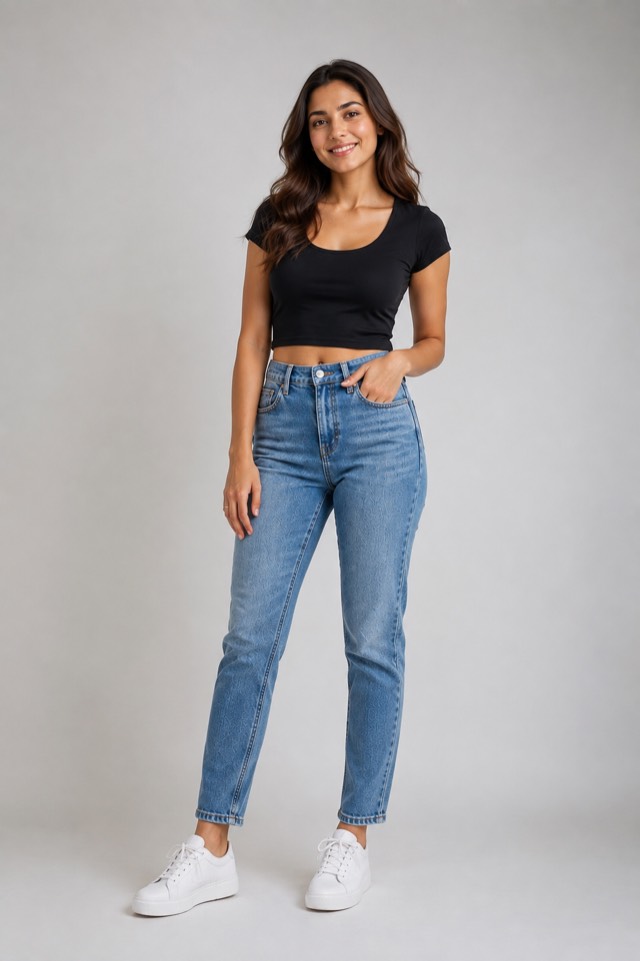
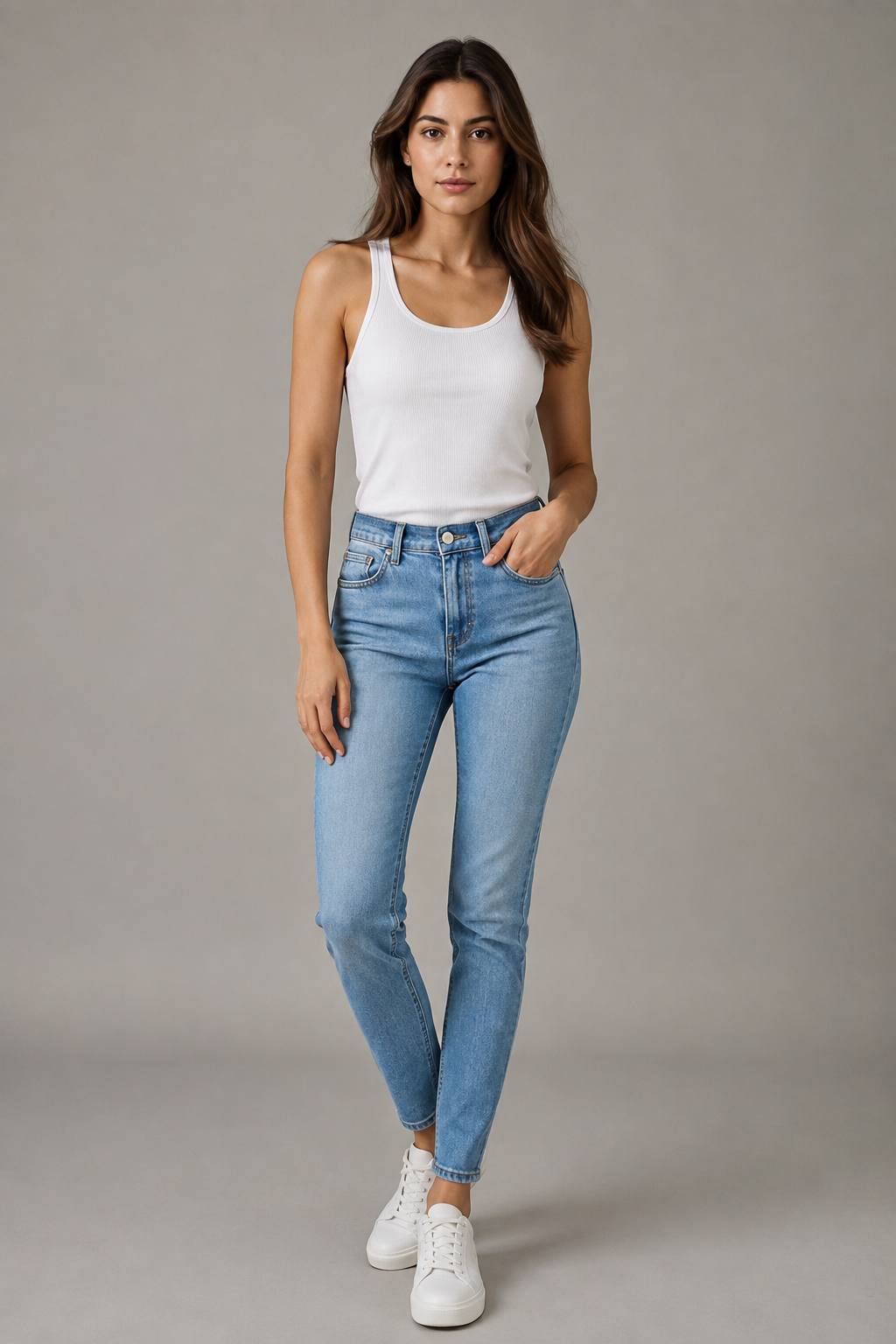
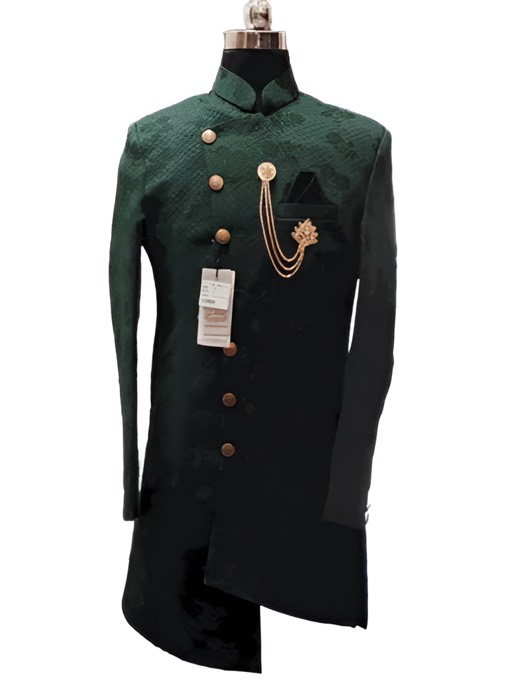
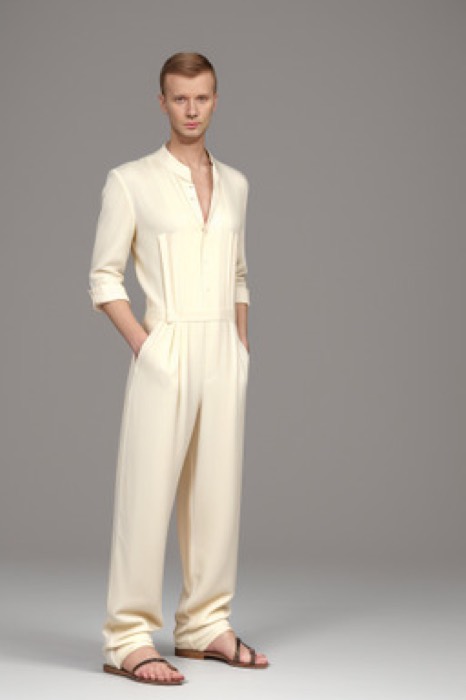

Step 1
Add the product
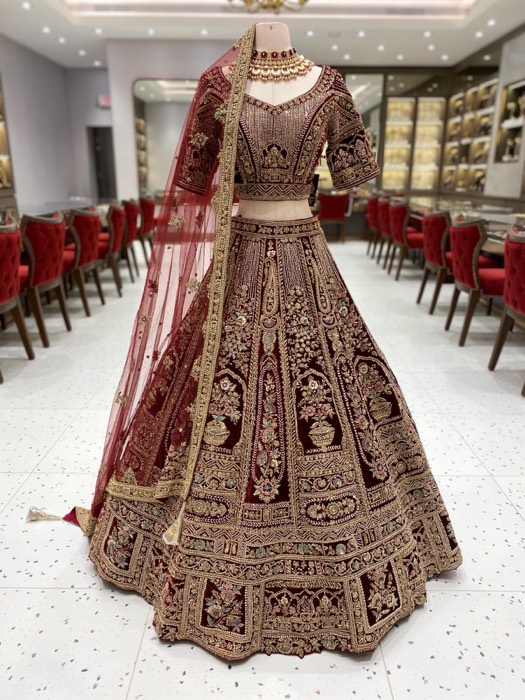
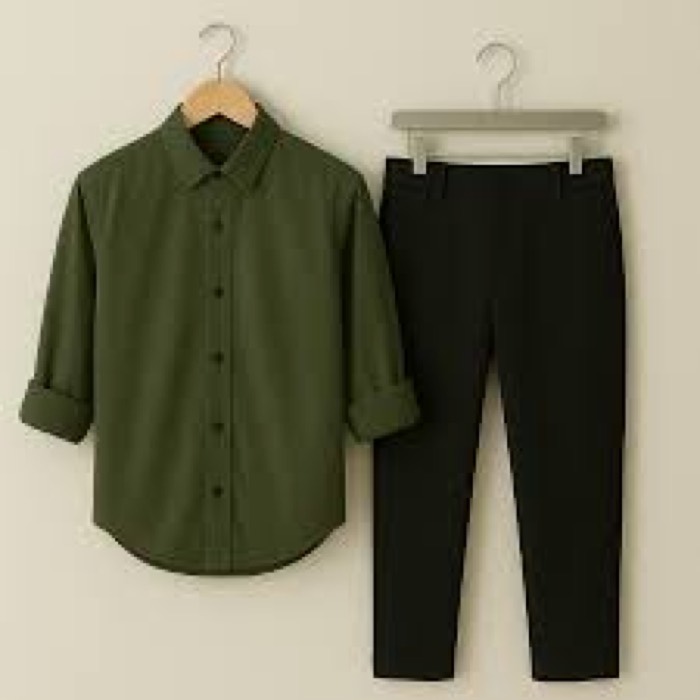
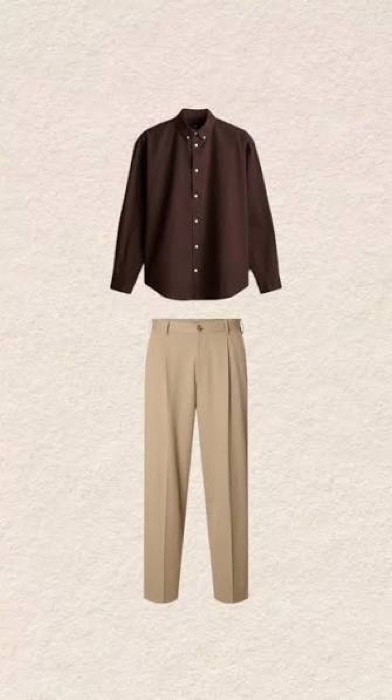
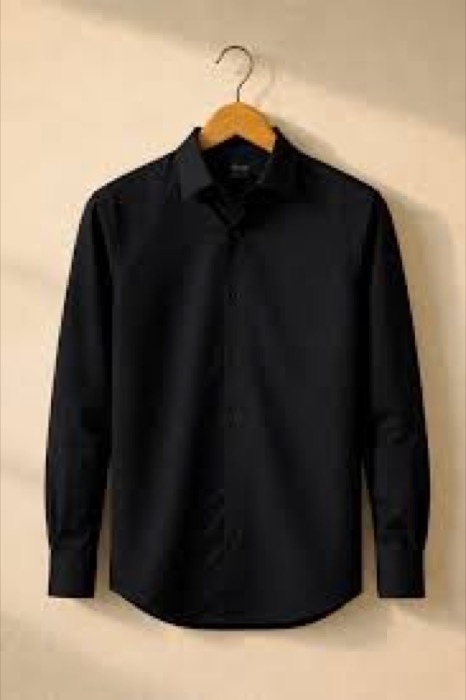
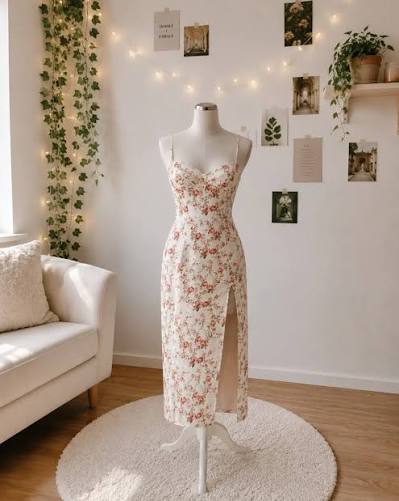
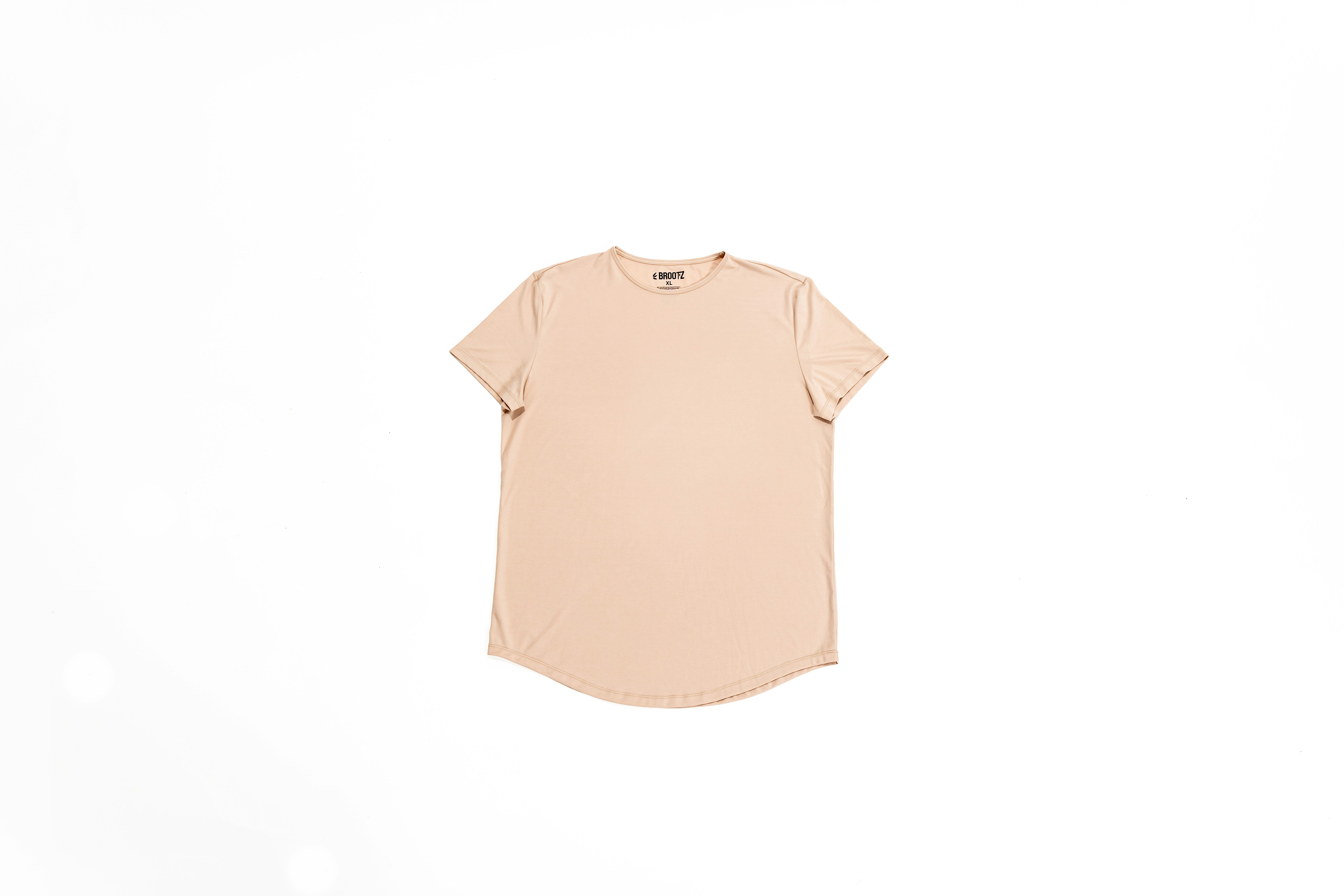
Upload one or more photos of the same product and tag it with gender, a serial code, season or festival, and category. It is saved to Products as a draft — no credits spent.
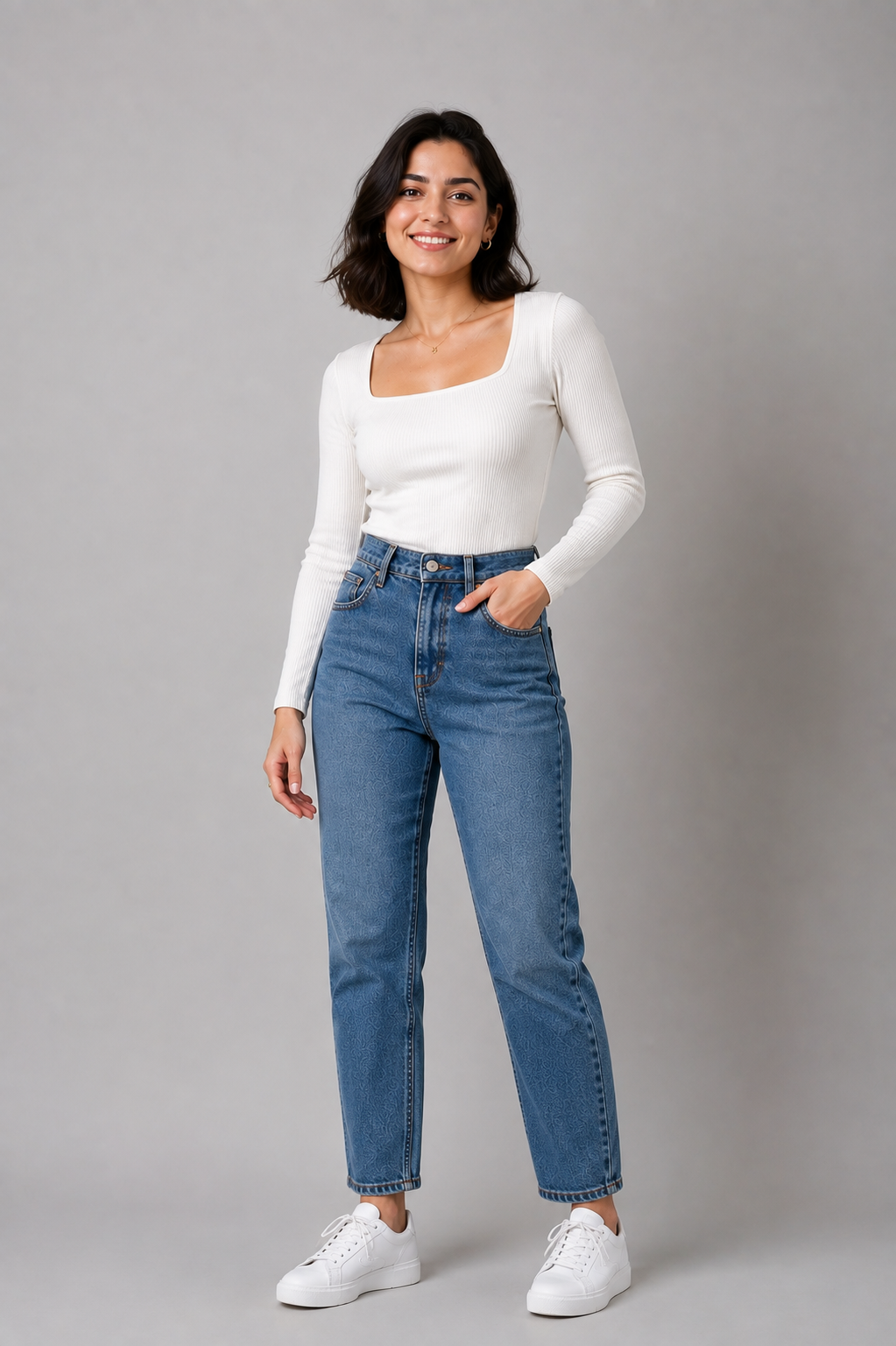
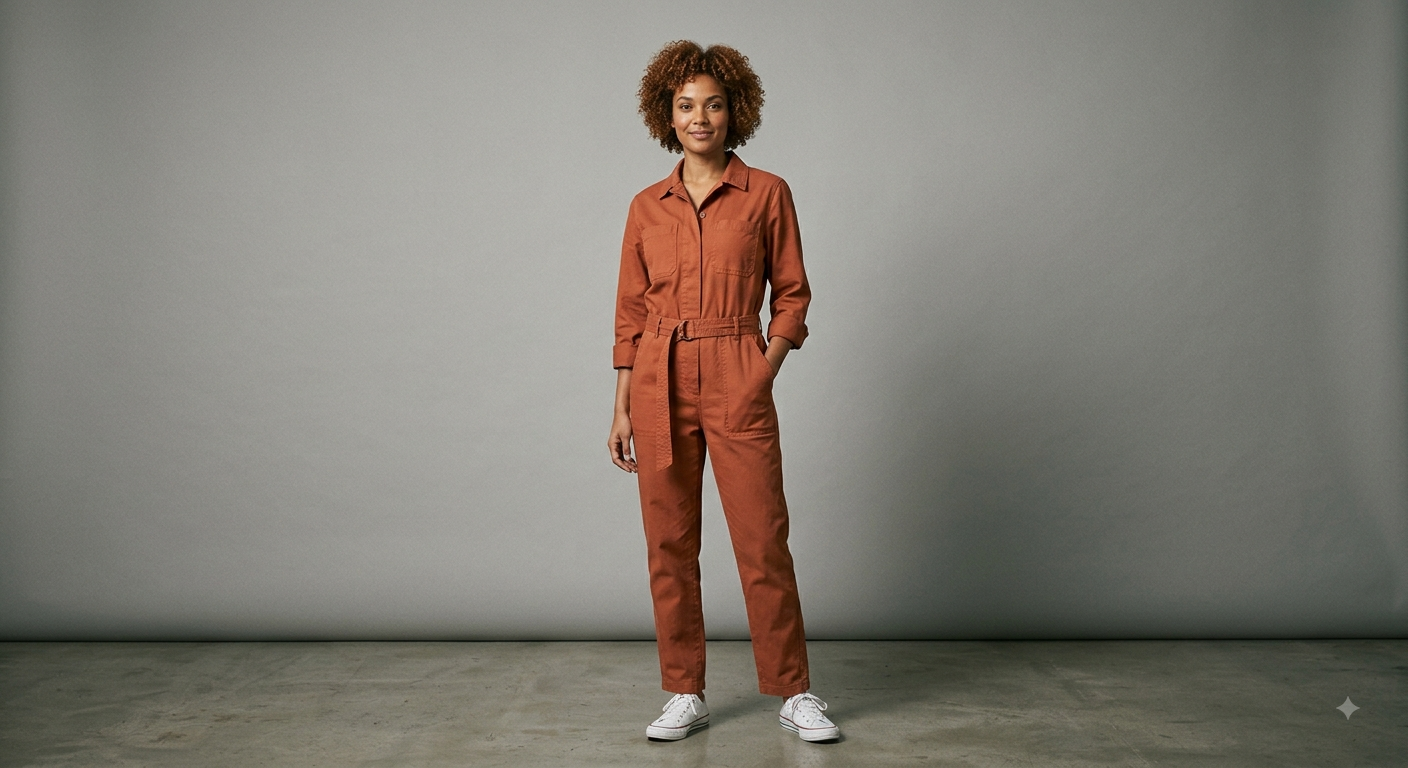
Keep every product in one library — photos, serial code, season and category — and turn any of them into a ready-to-publish photoshoot: three on-model photos, an eight-second video, or both. Generated from the product photos you already have.
Search, filter and edit for free
Country and region, previewed
3 images, an 8s clip, or both
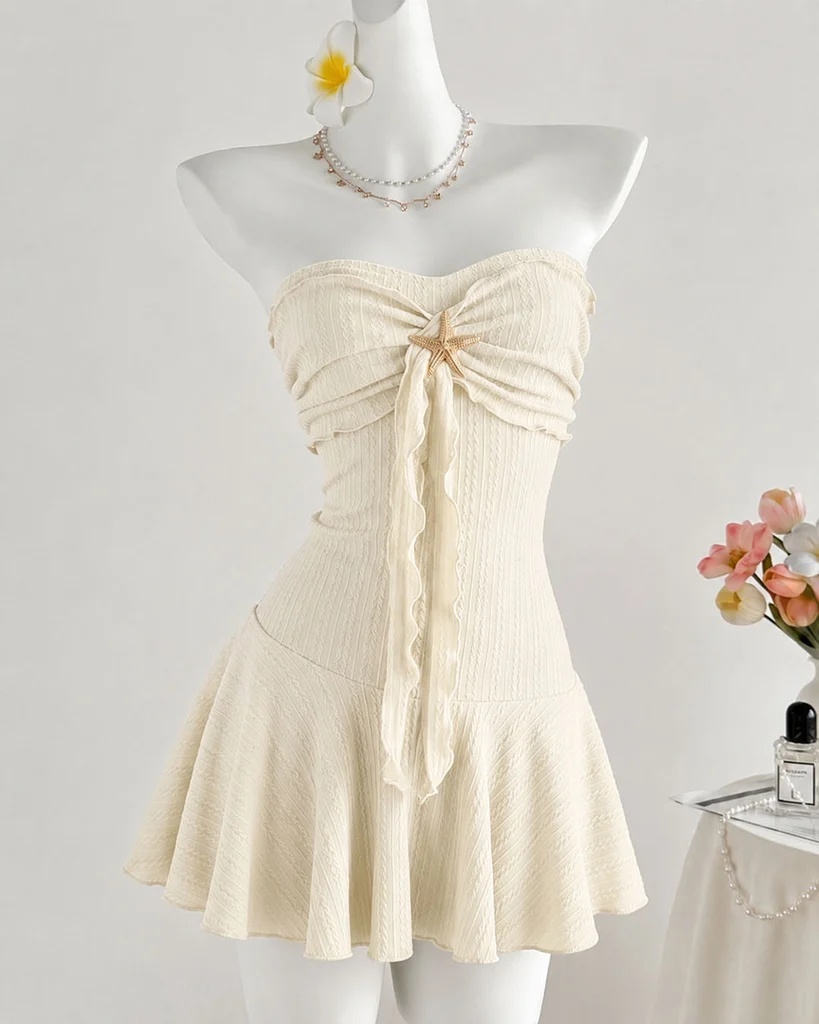
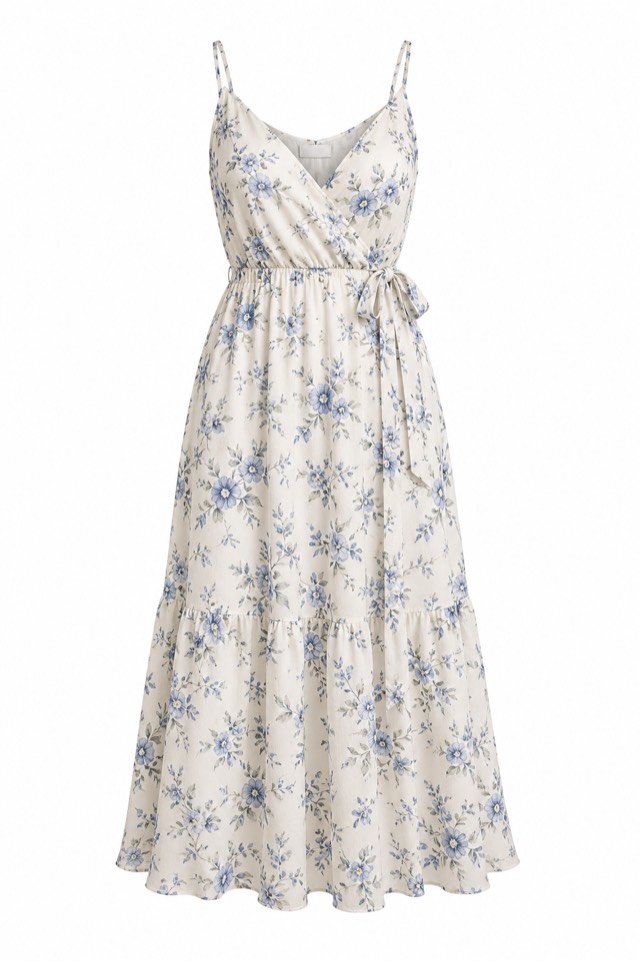
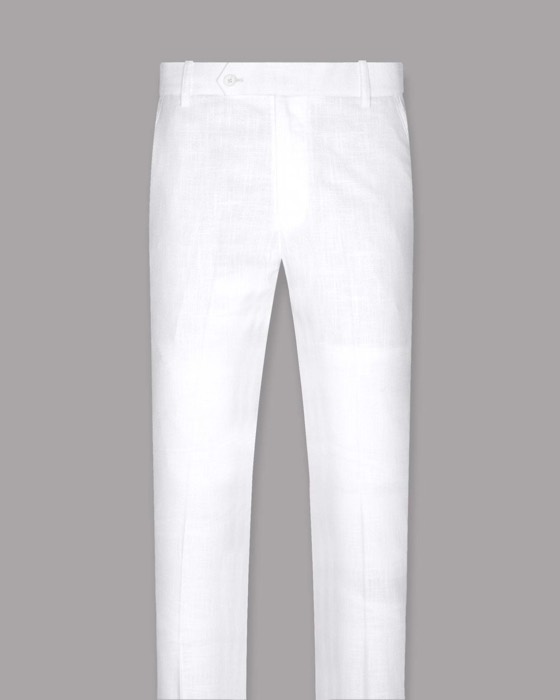
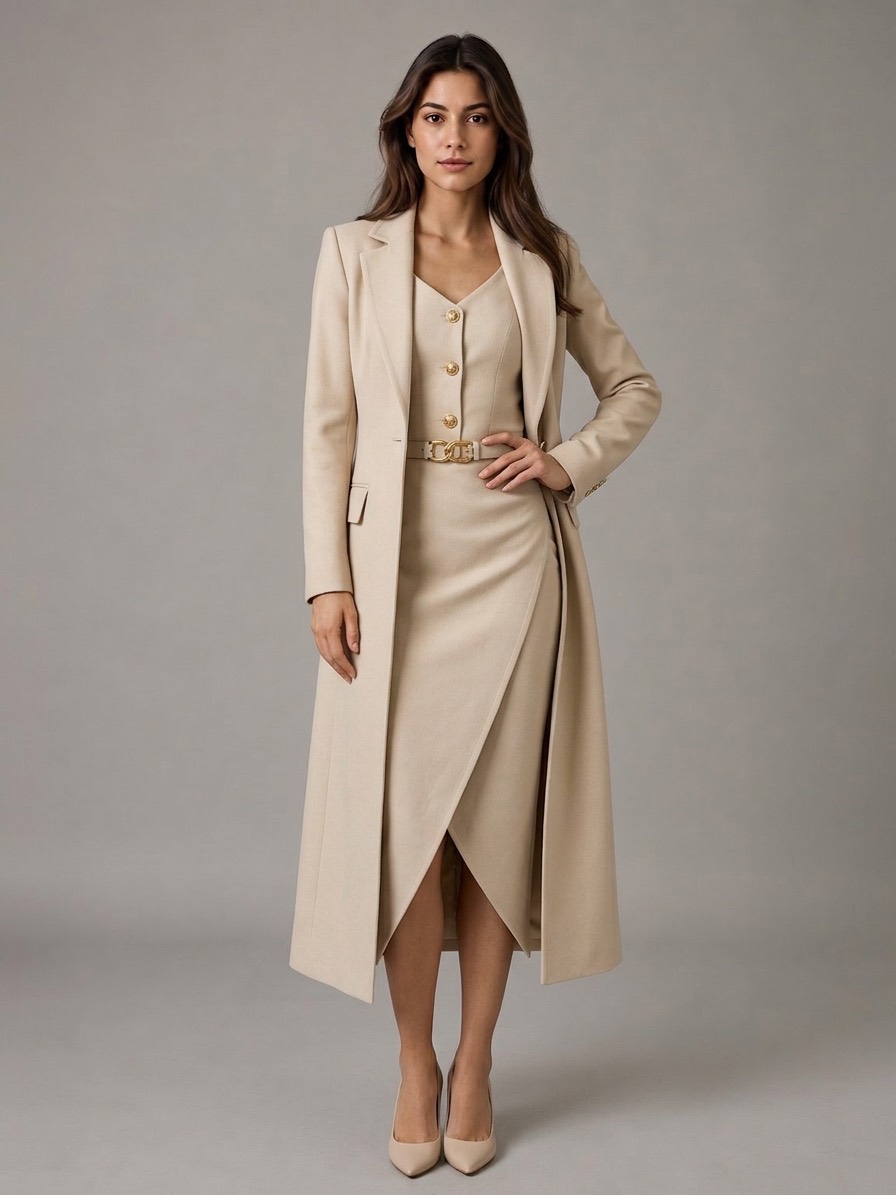 FC-1042 · Photoshoot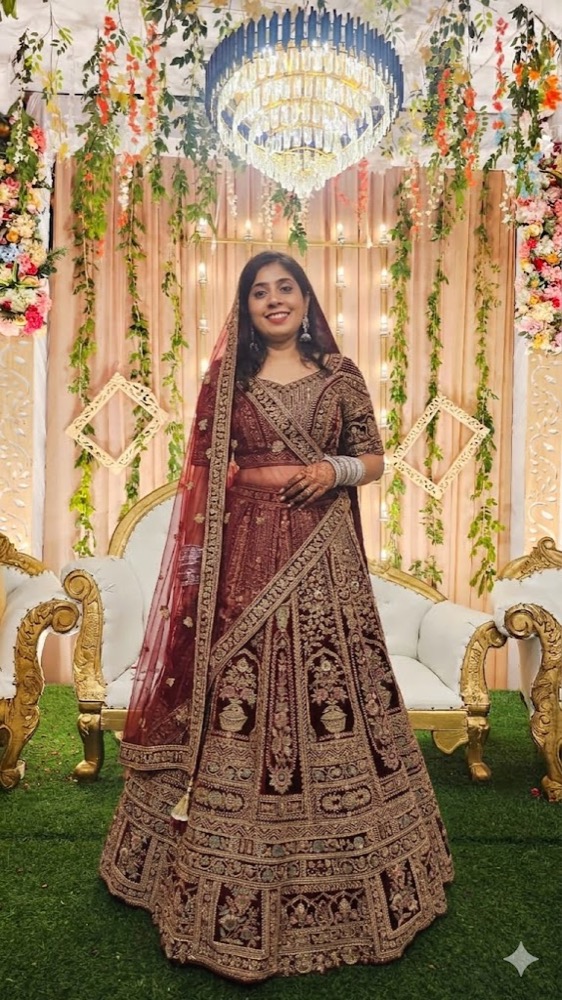
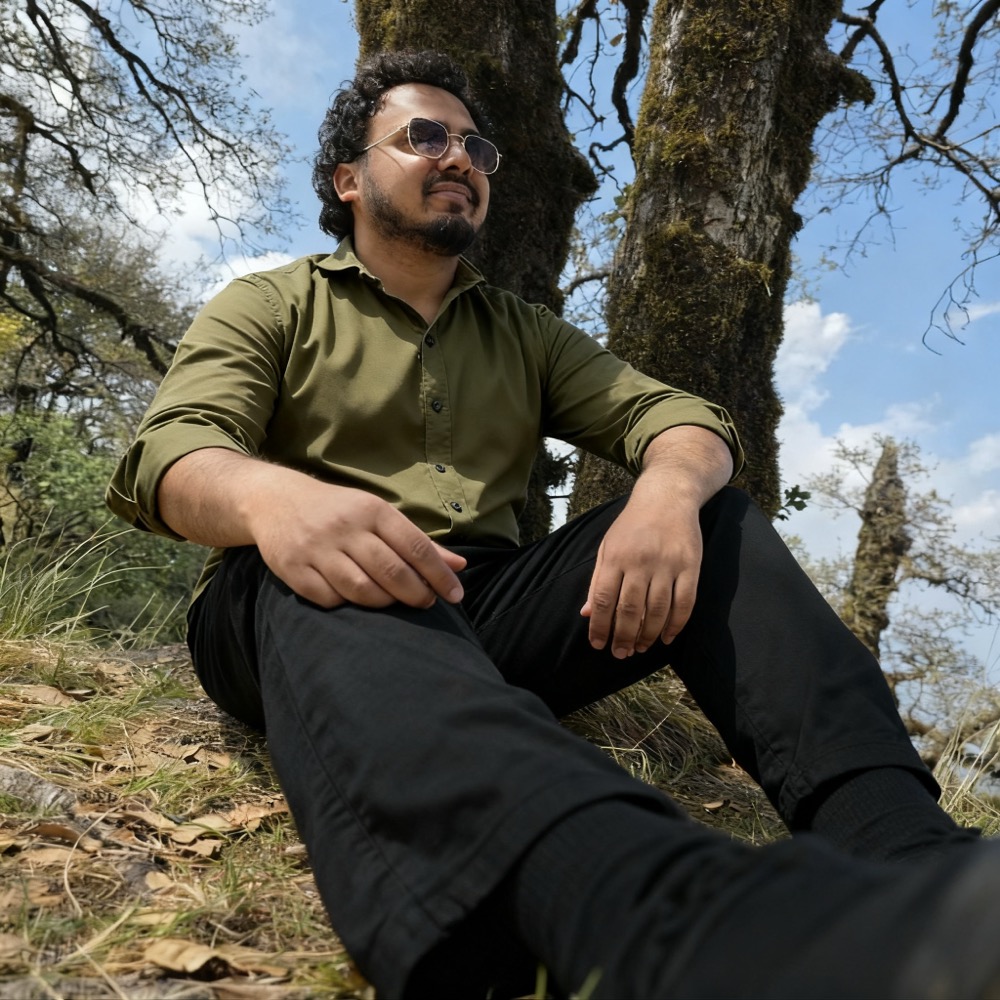



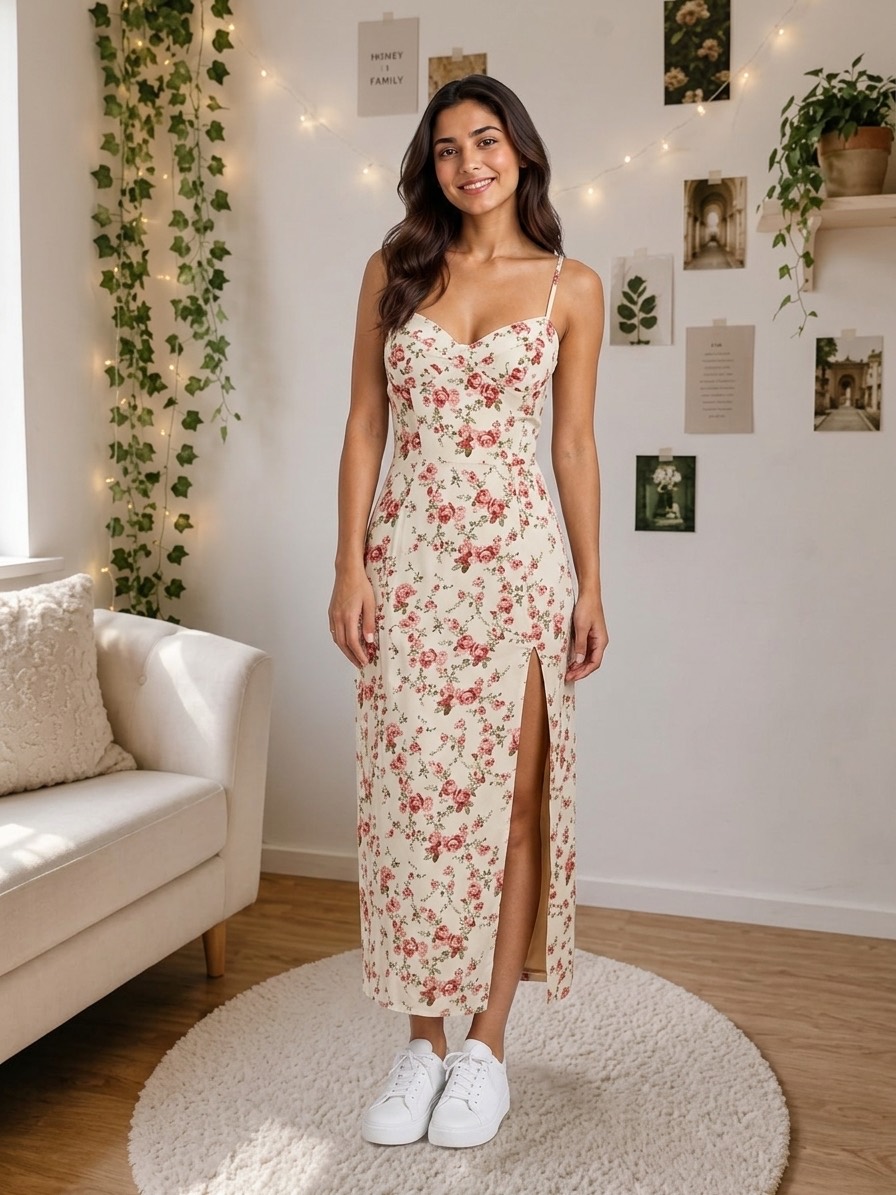
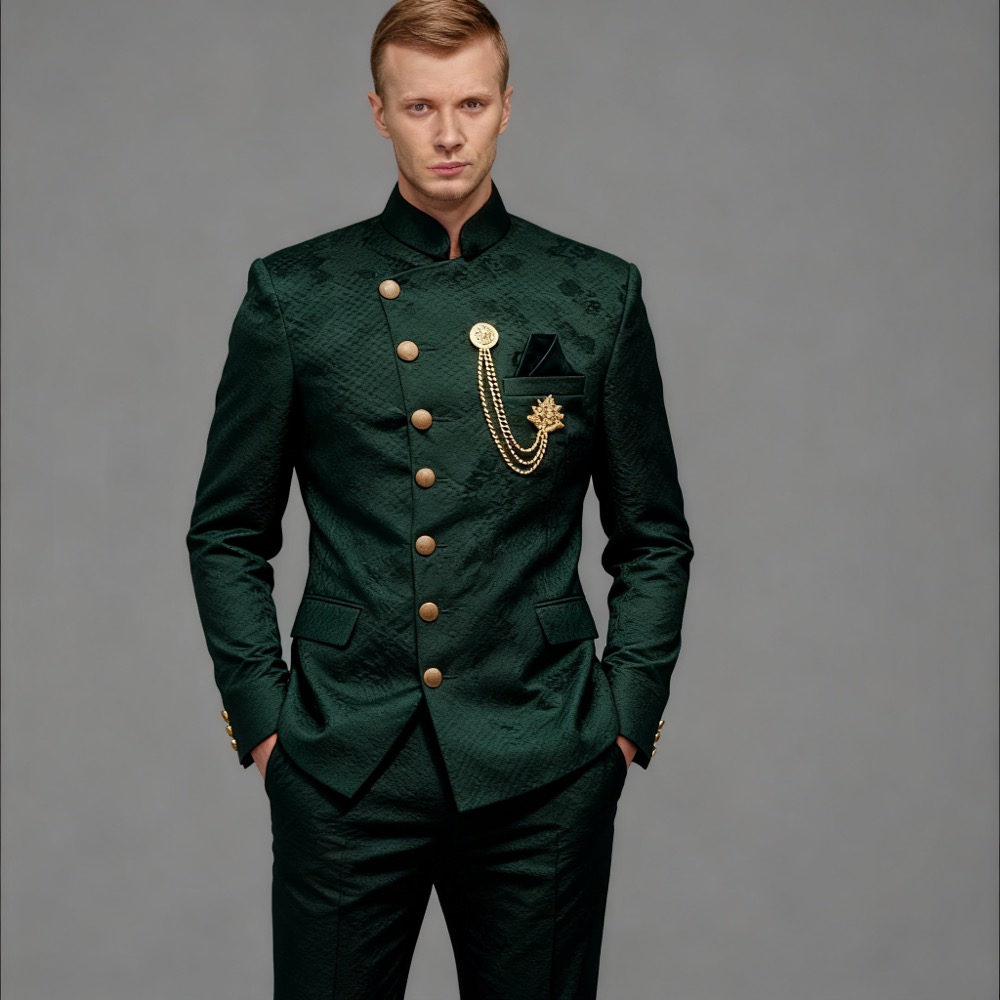
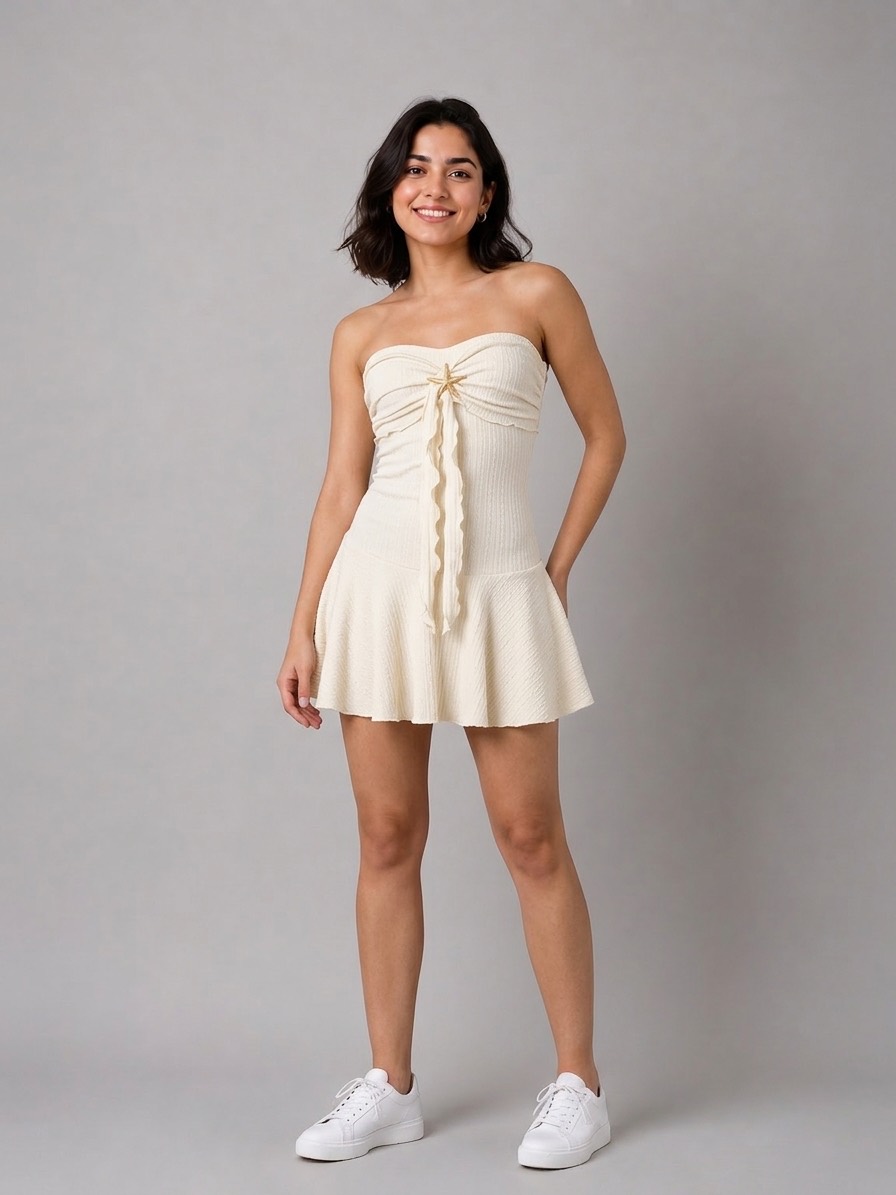
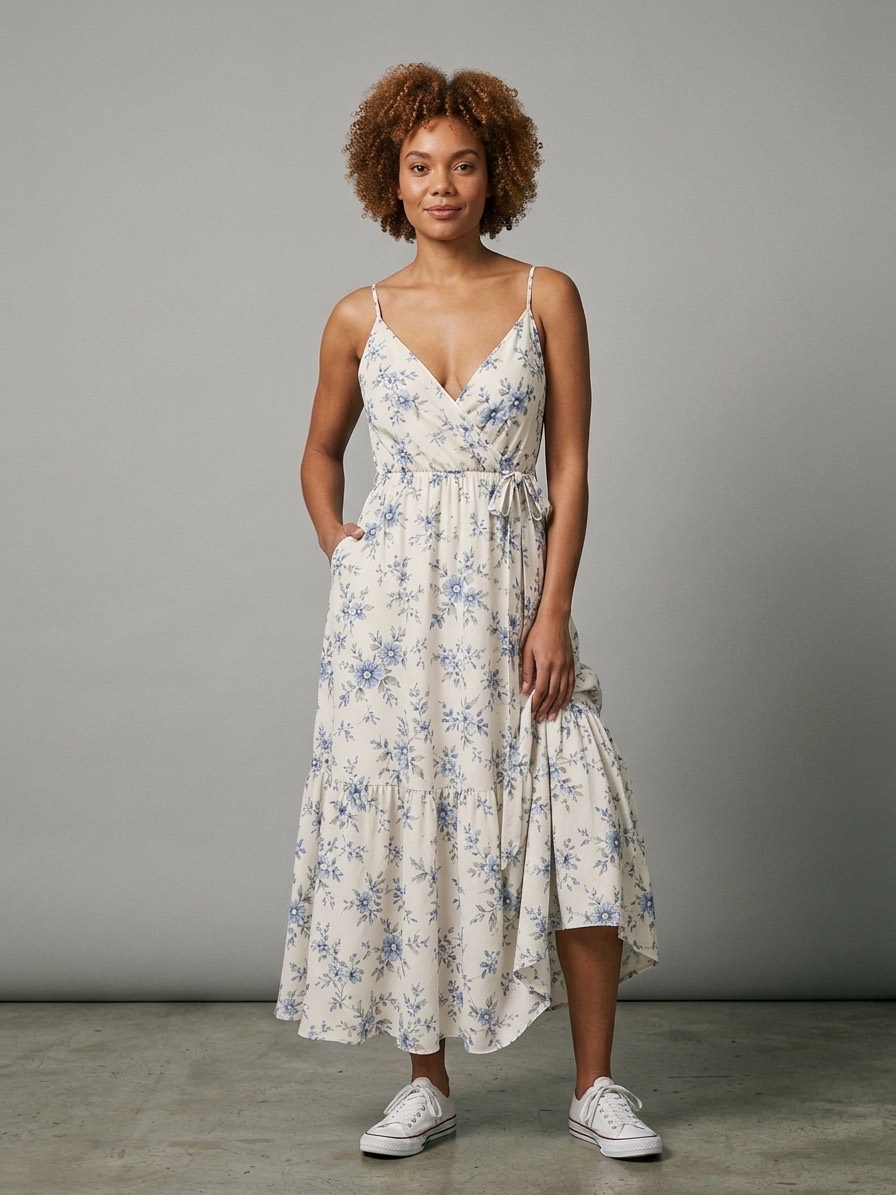
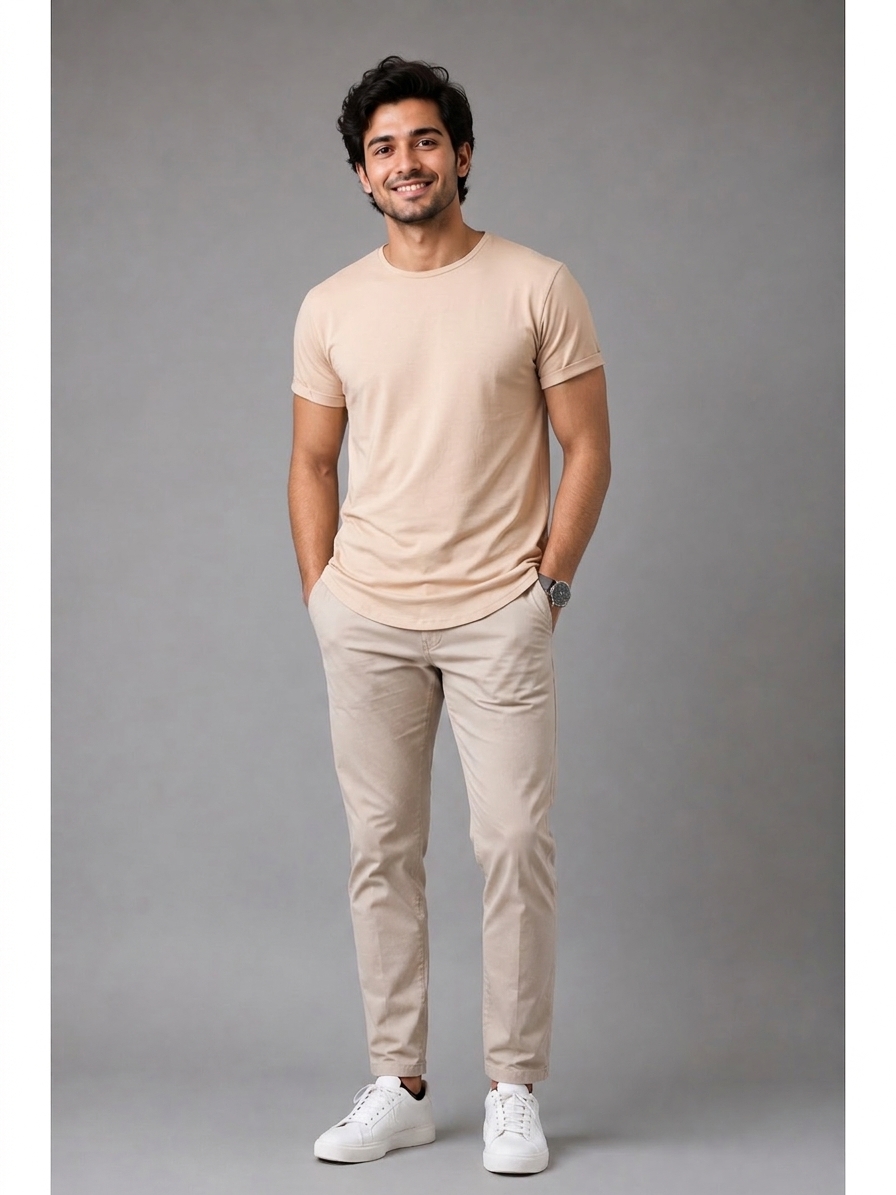
Upload one or more photos of the same product and tag it with gender, a serial code, season or festival, and category. It is saved to Products as a draft — no credits spent.
Name the campaign, pick the country and state or region for your AI model and preview it, then choose photos, a video, or both.
FashClick generates the media from all of your source photos together. Open the finished photoshoot from the product card, and download one image or the whole set from Photoshoot.
One library for every product, and an AI photoshoot for each one when you need it.
Every product lives in Products with its source photos and details. Search by serial code, filter by season or category, and edit or remove products as your range changes.
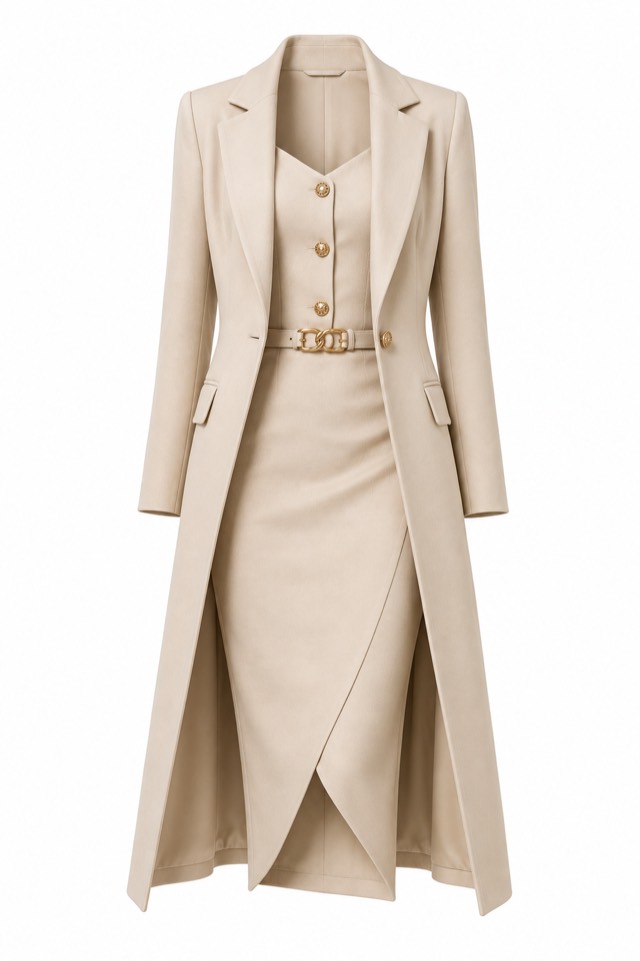
Upload several photos of the same piece — front, back, a fabric close-up. All of them are used together, so the generated media is grounded in the real product.
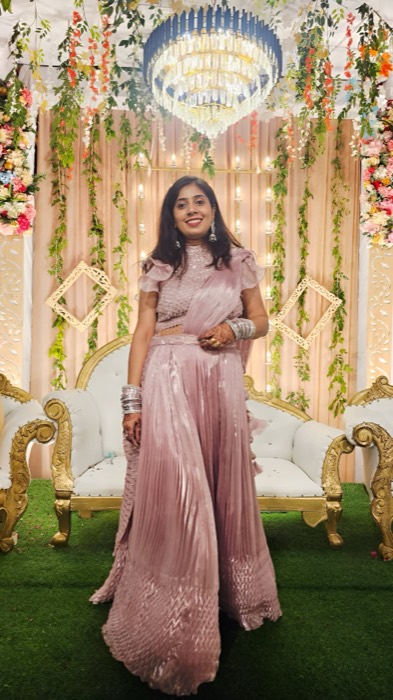
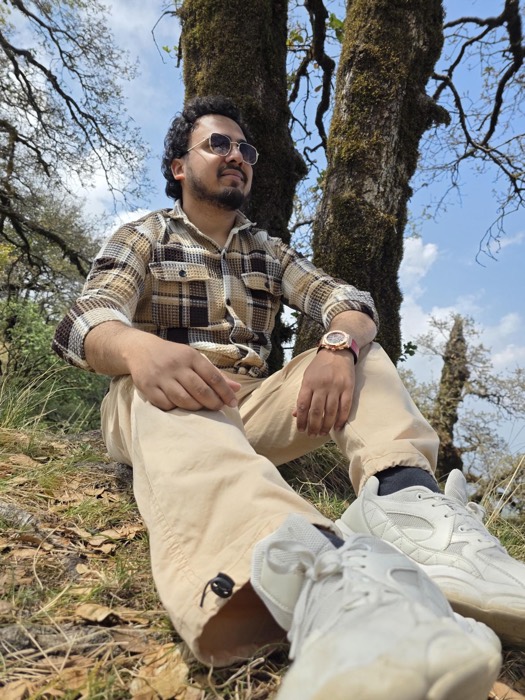
Choose the country and state or region your shoppers are in, preview the AI model before you generate, and the photoshoot uses a model that fits.
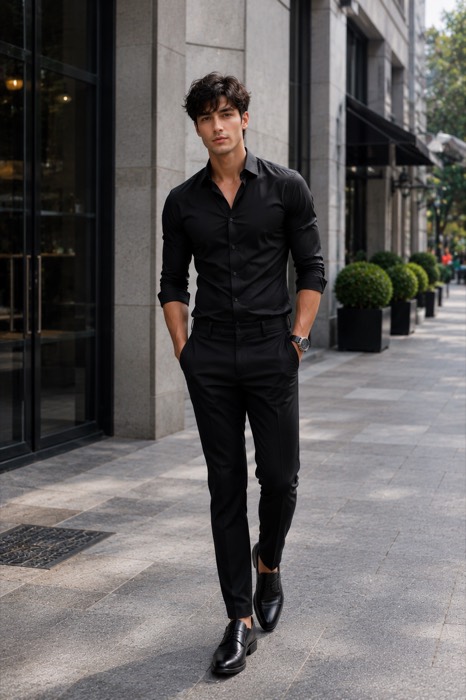
A photo set is three on-model images. A video is a short clip of about eight seconds. Pick one or generate both in the same photoshoot.
Shoot the same product again for Diwali, Eid, Christmas or a summer drop. Each campaign is kept separately under the product’s serial code, so earlier shoots are never overwritten.
Regenerate a single image without touching the others. Each image’s first regeneration is free; after that it is one credit.

Real screens from the FashClick dashboard: add a product, manage the whole range, and open its photoshoot.
Enter a serial code (it is checked for duplicates), upload one or more photos of the product, and tag its gender, season or festival and category. Adding products is free.
Free — no credits used

Search and filter by season, festival or category, see each product’s status, and edit, delete, open its photoshoot or generate straight from the card.

Open a product’s photoshoot to play the generated video, switch between its campaigns, or generate a new one.
Photos 3 credits · Video 5 · Both 8
Adding and organising products is free. Credits are only used when a photoshoot is generated.
3 AI images
3credits
On-model catalog photos of the product.
1 clip, about 8 seconds
5credits
A short product video for reels, ads and product pages.
3 AI images + 1 clip
8credits
Both, from one photoshoot.
Each image’s first regeneration is free, then 1 credit per image.
Regenerating the video costs 5 credits.
Adding, editing and organising products in Products is free — credits are only used when you generate.
Start free. Scale as you grow. No hidden fees.
Buy image credits when you need them — from 10p an image. Credits never expire and there is nothing to cancel. Every account starts here with 5 free images.
Working at catalogue scale? A monthly plan adds batch try-on, the outfit builder, regenerations, higher-quality renders and API access — with credits included each month.
Perfect for individual sellers and small shops
£290 billed annually save £58
For growing brands and professional sellers
£590 billed annually save £118
Full power for studios and large catalogues
£990 billed annually save £198
It is two connected views in the FashClick dashboard. Products is your product library: you upload photos of each item with its gender, serial code, season or festival and category. Photoshoot turns a product into AI catalog media — three on-model photos, a short video, or both.
A photo set of three AI images costs 3 credits. A video — one clip of about eight seconds — costs 5 credits. Photos and video together cost 8 credits. Adding and editing products in Products costs nothing.
Free, Growth, Pro and Pay as you go. The Starter plan does not include them; Starter accounts see an upgrade prompt in place of the feature.
Sign up, add a product, and your 5 free credits cover a first set of three catalog photos.